The Edit Bootcamp · Recordings

Learn how to edit like me.

Six recorded calls. Nine hours. The transitions, the sound design, and how the work turns into clients. No fluff, just the calls that got my students results.

Get lifetime access
$67 one payment · lifetime access
From call 02 · Transitions
6Recorded calls
9h 15mOf teaching
Lifetime access
+SFX, LUTs & overlays
What's inside

The six calls, in order.

Watch on your own time. Come back whenever. Every call is the full recording, screen and all.

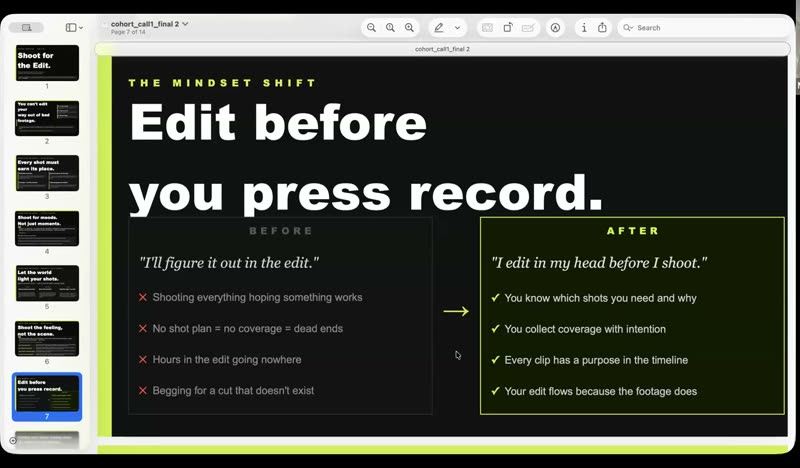
01
Slide from call 1: Edit before you press record
90 min

How to Film for the Edit

Shooting with the cut in mind, so the footage already knows where it's going.
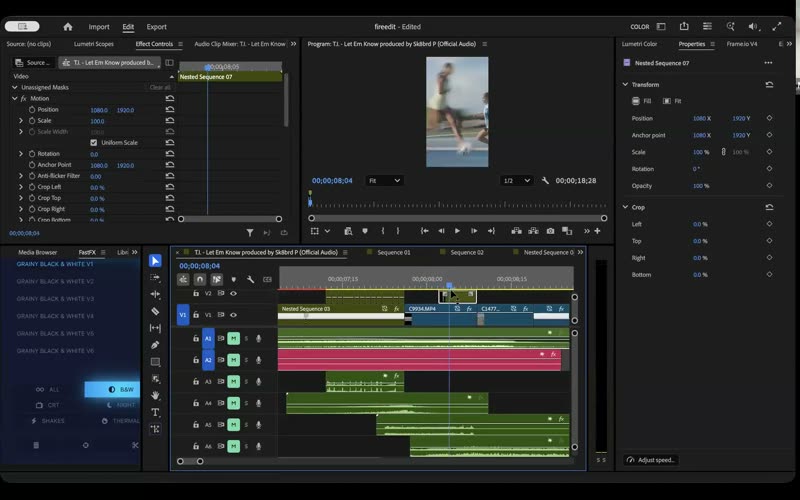
02
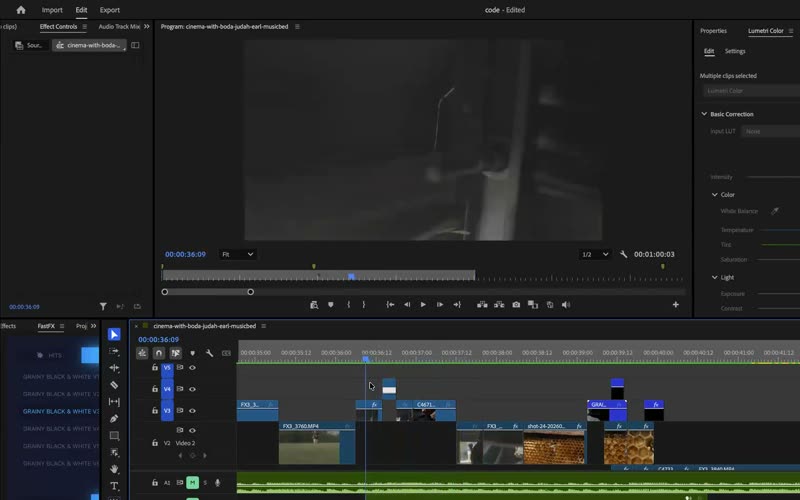
Premiere Pro timeline from call 2
85 min

How to Do Transitions

The transitions I actually use, built step by step in the timeline, and where they belong.
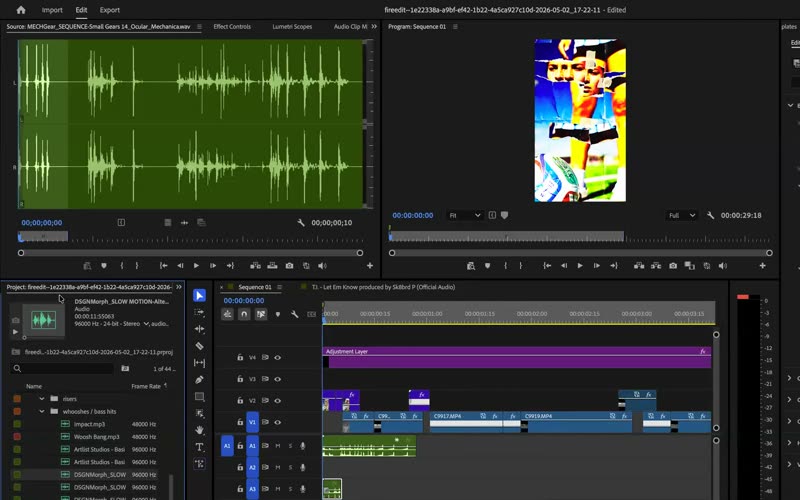
03
Audio timeline from call 3
121 min

Sound Design, Part 1

Whooshes, impacts, risers, bass drops. What each one does and when it goes in.
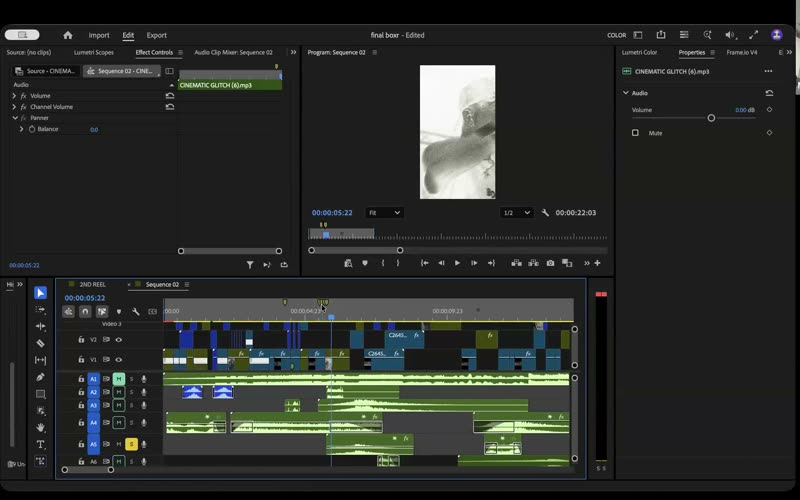
04
Sound design session from call 4
92 min

Sound Design, Part 2 (In-Depth)

Layering, texture, and knowing when silence is the better choice.
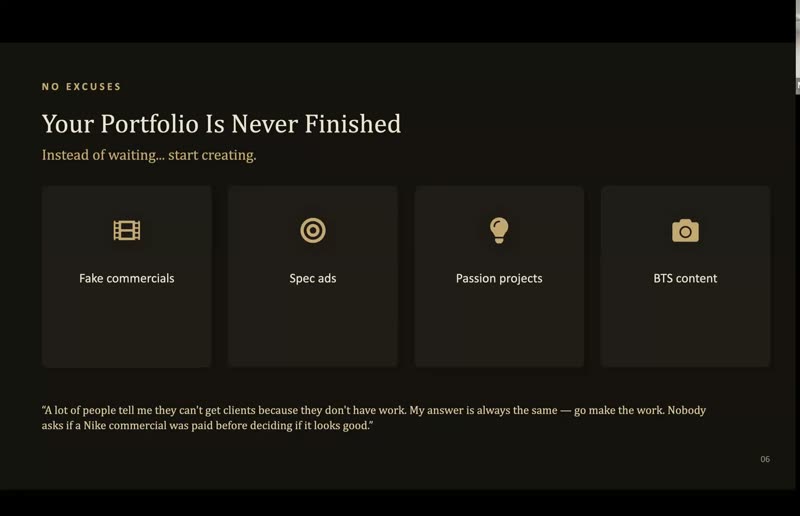
05
Slide from call 5: Your portfolio is never finished
74 min

Growing on Social + Landing Clients

Turning the edits into an audience and paid work. Spec ads, passion projects, the pitch.
06
Color and grade session from call 6
93 min

Recap: Tying It All Together

The whole process front to back, plus the questions from the room.

Included with the recordings

The exact assets I edit with.

38

Cinematic SFX pack

The 16 sounds from my viral edit, 22 more I reach for constantly, and the sound design guide that explains how I layer them.

10

Bonus SFX

The homework sounds from the calls, so you can edit along with the recordings.

20

LUTs

My grades, including the Fx6 looks, in .cube. Drop them on and go.

19

Overlays

Film burns, grunge, textures, lens leaks, 8mm. Full HD, ready for the timeline.
This is for you if

Your visuals already work and the edit is what's holding them back.

  • You edit in Premiere Pro (or you're about to)
  • You want your cuts to feel cinematic and intentional, not random
  • You'd rather see it built live than read about it
  • You want to get paid for the work, not just post it
Probably not for you if

You want a beginner's tour of the software.

  • You've never opened an editing program
  • You want live feedback on your own edits (that was the cohort, this is the recordings)
  • You're looking for presets that do the work for you
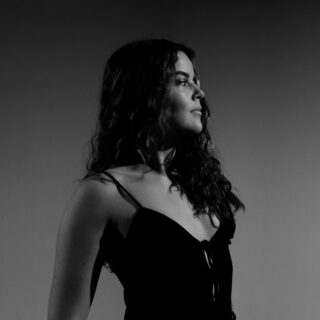
Maya Bonham Carter
Who's teaching

Maya Bonham Carter

I run Bonham Carter Film Company, a video production company in Miami. I shoot and edit the work myself, and I ran the Edit Bootcamp live for a small group. These are those calls.

Everything in here is what I actually do on a job, from what to capture on set to how the sound gets layered in the timeline. It's the process, not a theory of it.
Selected clients on the main site: adidas · Gymshark · lululemon · Nectar
From the bootcamp

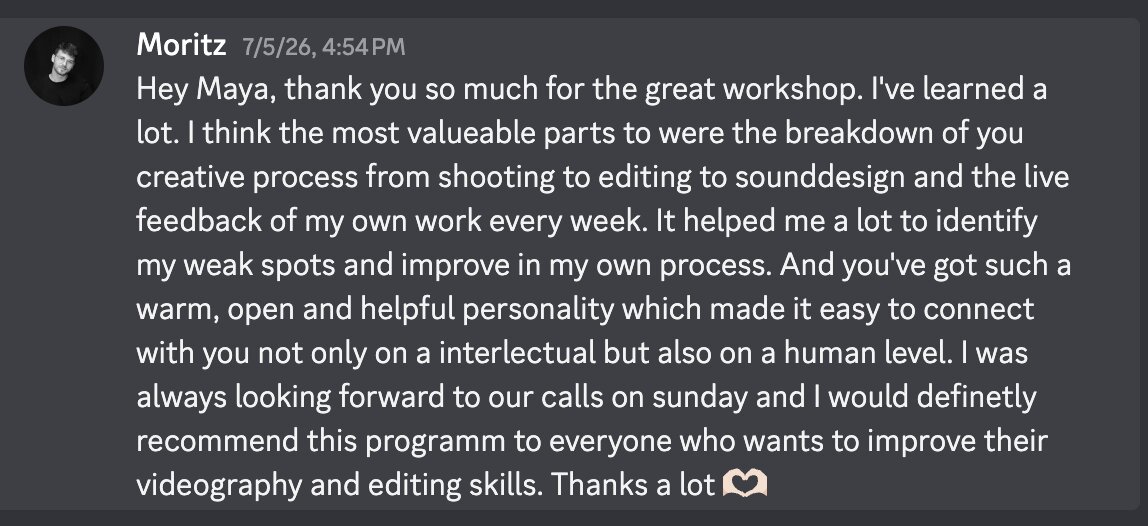
What students said.

Discord message from Moritz thanking Maya for the workshop
Moritz · Edit Bootcamp, July 2026
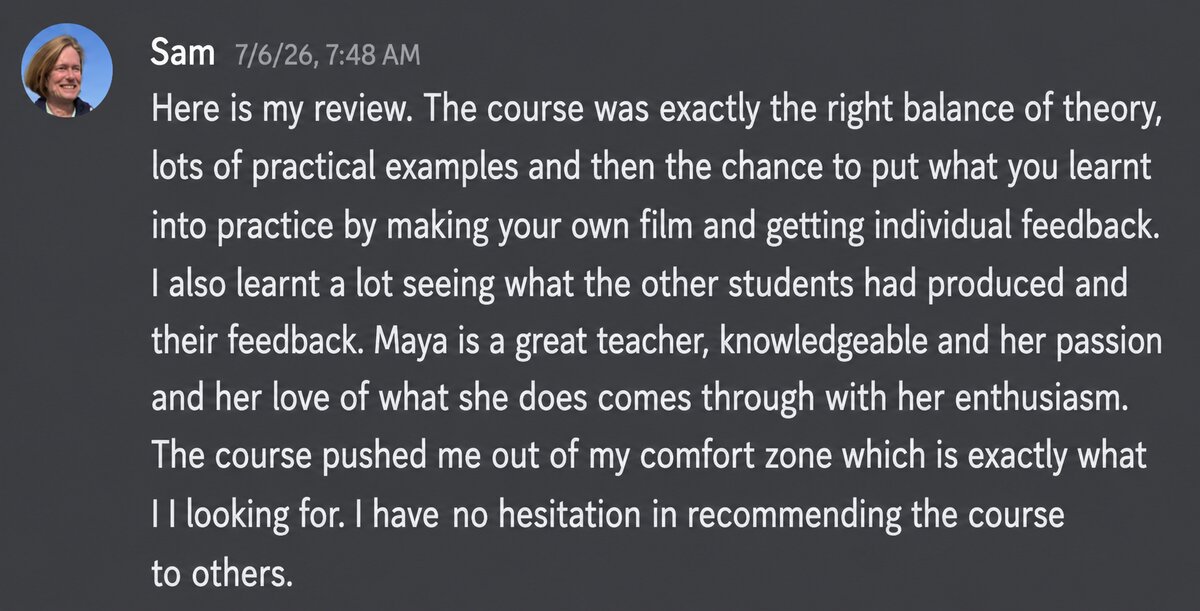
Discord message from Sam reviewing the course
Sam · Edit Bootcamp, July 2026

Both were in the live cohort. The recordings are the same six calls, without the live feedback on your own work.

The Edit Bootcamp Recordings
$67
One payment · lifetime access
  • All six calls, 9 hours 15 minutes
  • Cinematic SFX pack + sound design guide
  • Bonus homework SFX
  • 20 LUTs and 19 overlays
  • Watch anywhere, come back anytime

Instant access after checkout.

One payment of $67. You'll get a login link by email the moment the payment goes through.

Get lifetime access Secure checkout by Whop. Cards, Apple Pay, Google Pay, and installment options.
Questions

Before you buy.

How do I get in after I pay?
You'll get an email with your login link right after checkout. Everything lives on this site, in your own library. No app to download.
Is this live?
No. These are the recordings of the six live calls, so you can watch them in order or jump to the one you need. Lifetime access, no expiry.
What software do I need?
The calls are taught in Adobe Premiere Pro. The SFX, LUTs and overlays work in any editor that takes .wav/.mp3, .cube and .mp4 files.
I only want the SFX pack.
It's sold on its own too. The recordings include it, so if you want the calls, you already have it.
Get lifetime access · $67